Local SEO
Google Business Profile Video Verification Guide
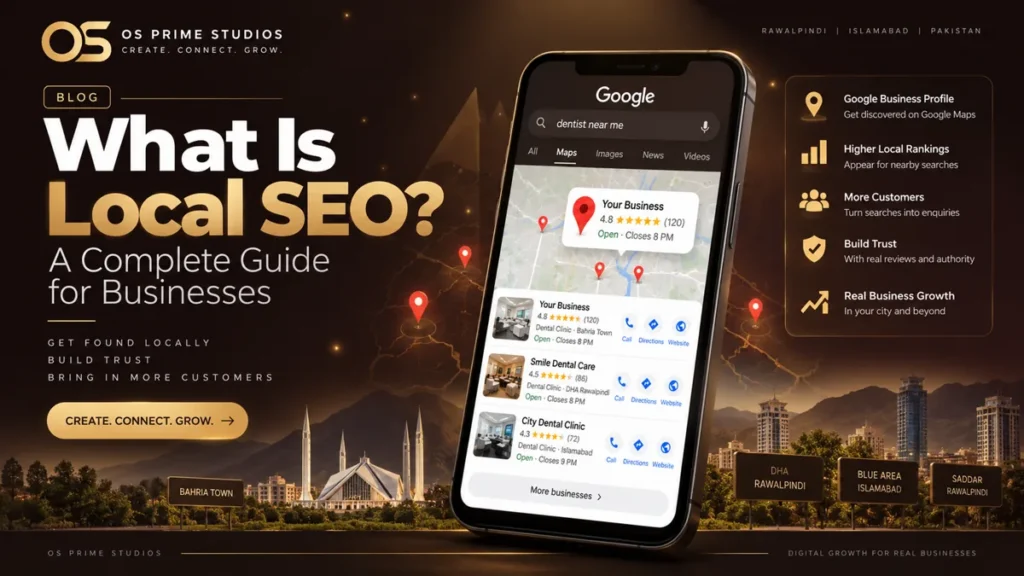
Google Business Profile video verification asks you to record one continuous video that proves your business is real and that you manage it: the street outside, your permanent signage, the inside of the business or your work tools, and something only a manager could show, such as unlocking the door or a business document. In Pakistan, video is now one of the most common verification methods, replacing the postcards that often never arrived.
An unverified profile rarely appears in Google Maps results, so getting through verification is the first step of any local SEO work.
What Google wants to see in the video
Google shows instructions in the verification screen, and they can vary by business type. In general, the video should show three things in one continuous recording:
- Your location. Start outside with the street, nearby shop signs or landmarks, so Google can match the place to the address on your profile.
- Your business. Your permanent signage with the business name, the entrance, and inside the premises: reception, equipment, products or stock.
- Proof you manage it. For example, unlocking the door or shutters, opening the cash counter, showing tools you use, or business documents in your name.
Service-area businesses that do not receive customers, such as an AC technician, may be asked to show their vehicle with branding, tools and equipment instead of a storefront.
How to prepare before you record
- Fix your signboard first. A printed banner taped to a wall is weak evidence. A permanent board with the exact business name on your profile is strong.
- Check that your profile name matches the board. “Smile Dental Clinic” on the profile and “Smile Dental Care” on the board can cause a failure.
- Plan your route. Walk it once before recording so the video flows from the street to the inside without stopping.
- Record in daylight with a steady phone. Keep it short and clear. Two to three minutes is usually plenty.
- Do not edit or cut the video. Google asks for one continuous recording.
Common reasons video verification fails
- The business name on the signage does not match the profile.
- The video does not show the street or enough of the surroundings to confirm the address.
- The video is cut, edited or recorded at a different location.
- The address on the profile is a shared or virtual office that is not staffed. Google’s guidelines do not allow virtual offices unless they are staffed during business hours.
- There is no clear proof of management, only a quick tour of an empty room.
What to do if verification fails
Read the reason Google gives, fix it, and try again when the option appears. If the problem is the address, correct it so it matches your utility bill or registration documents, including the office number, floor and plaza name. Many plaza offices in Blue Area and the F sectors fail because the profile address is written differently from the building’s real address.
If verification fails repeatedly or the profile ends up suspended, see our guide to fixing a suspended Google Business Profile in Pakistan. For businesses in shared or plaza offices, our SEO services in Islamabad page explains the common setup problems.
After verification
Once verified, complete every section of the profile: categories, services, hours, photos and description. Then start a steady review routine. Verification gets you into the game. The work after it decides where you rank. Our local SEO service handles verification and setup for businesses in Rawalpindi and Islamabad.
Frequently asked questions
How long does Google Business Profile video verification take?
Can I verify a Google Business Profile without a shop?
Can someone else record the verification video for me?
Why does Google keep asking me to verify again?
Keep reading
Related articles
Local SEO vs Google Ads: Which Should You Start With?
Local SEO vs Google Ads for a small business in Pakistan: how each works, cost and timing differences, which suits your situation, and how to combine them.
Why Is My Business Not Showing on Google Maps?
Business not showing on Google Maps?
Local SEO Checklist for Small Businesses in Pakistan
A practical local SEO checklist for small businesses in Pakistan: Google Business Profile setup, website basics, reviews, listings and monthly tasks.